Background Remover - AI Photo Editor
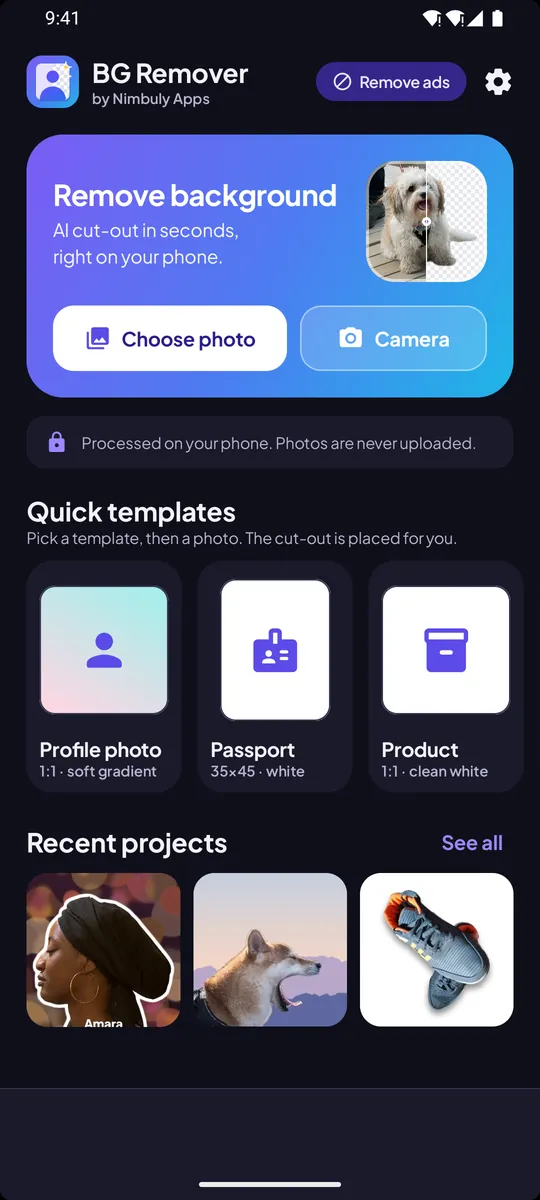
Cut out people, pets and products in seconds, then drop them on a fresh background. The AI runs on your phone, so your photos are never uploaded.

Available free on Google Play. Updates install through the Play Store.
- Platform
- Android 7.0+
- Price
- Free to use
- Processing
- On your device
- Package
com.nimbuly.bgremover
How it works
Pick a photo, get a clean cut-out
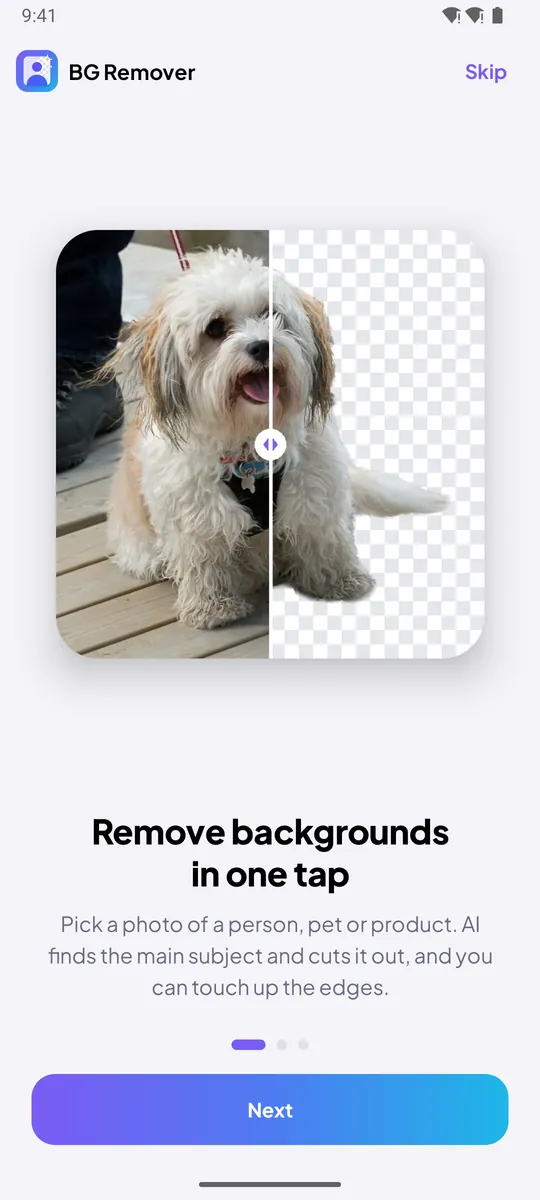
The app finds the main subject for you. Touch up the edges if you like, choose a background and save.
Remove the background
- Pick a photo with the system photo picker, or take a new one.
- The on-device AI finds the person, pet or product.
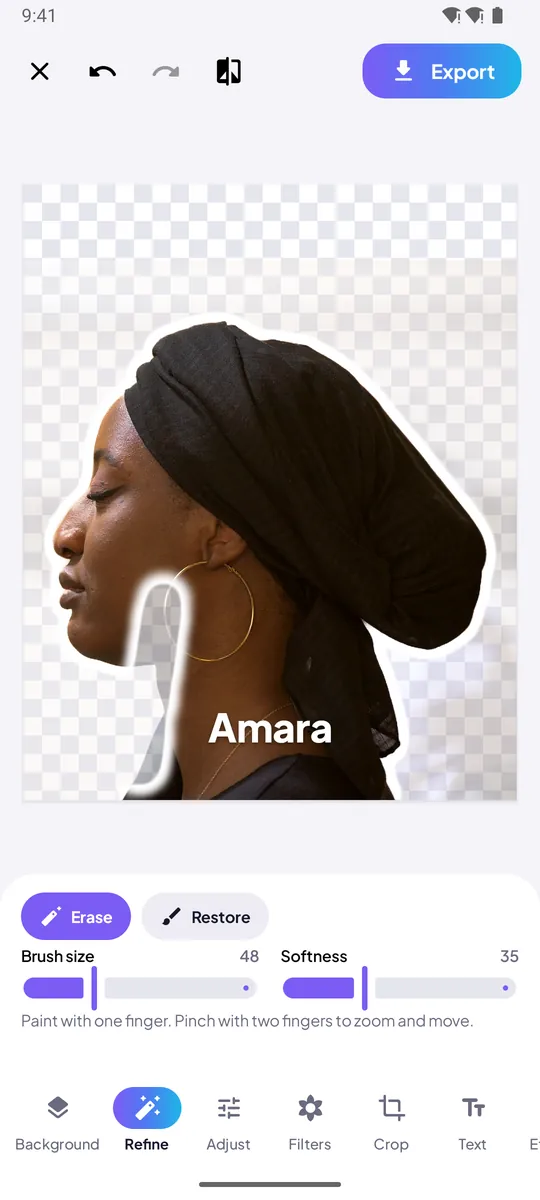
- Fix any edge with the Erase and Restore brushes.
Edit and save
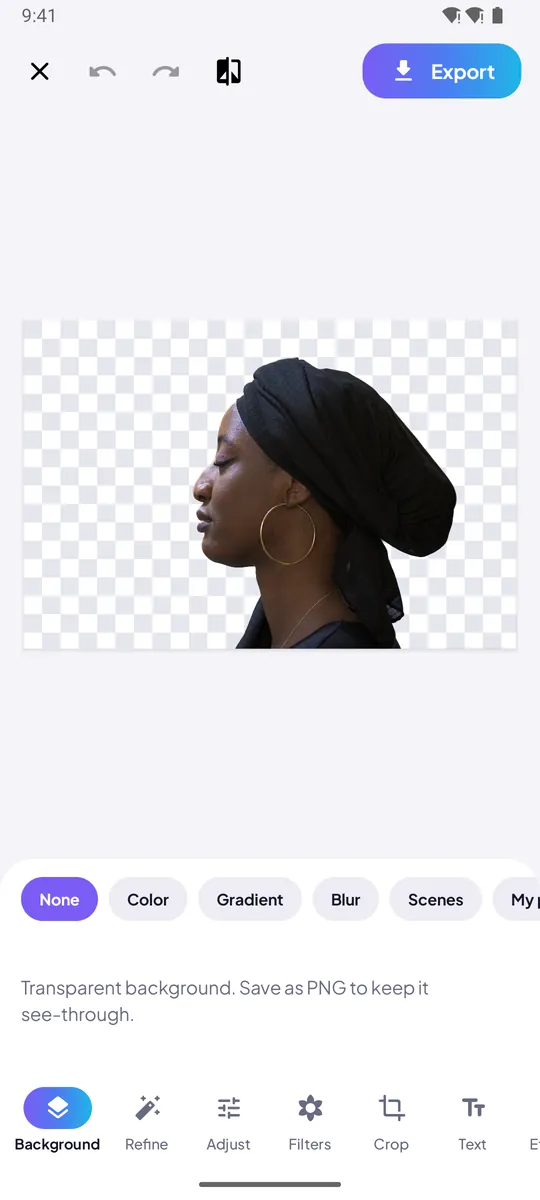
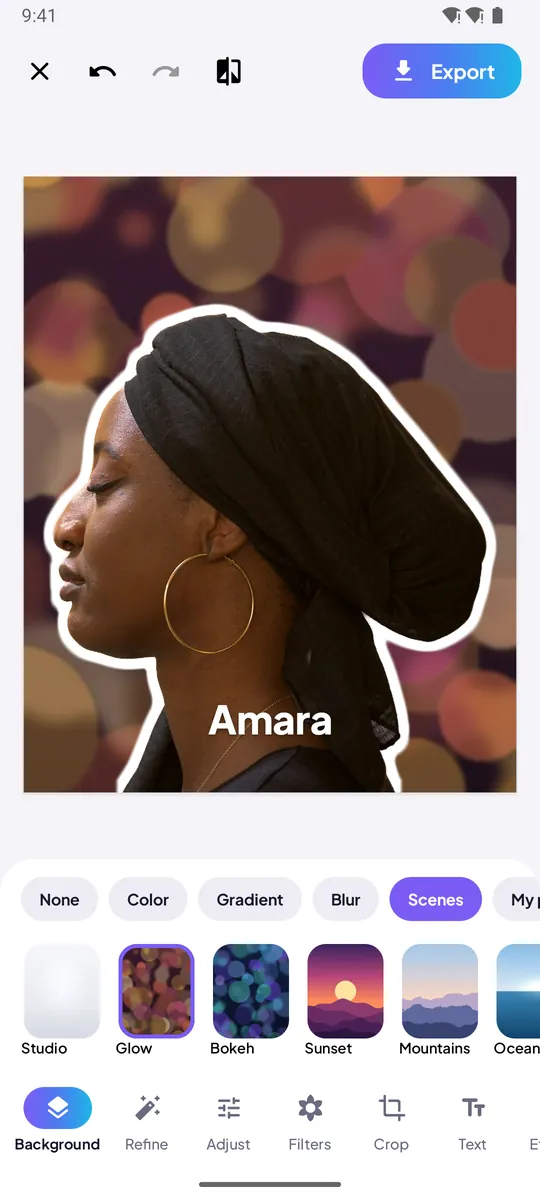
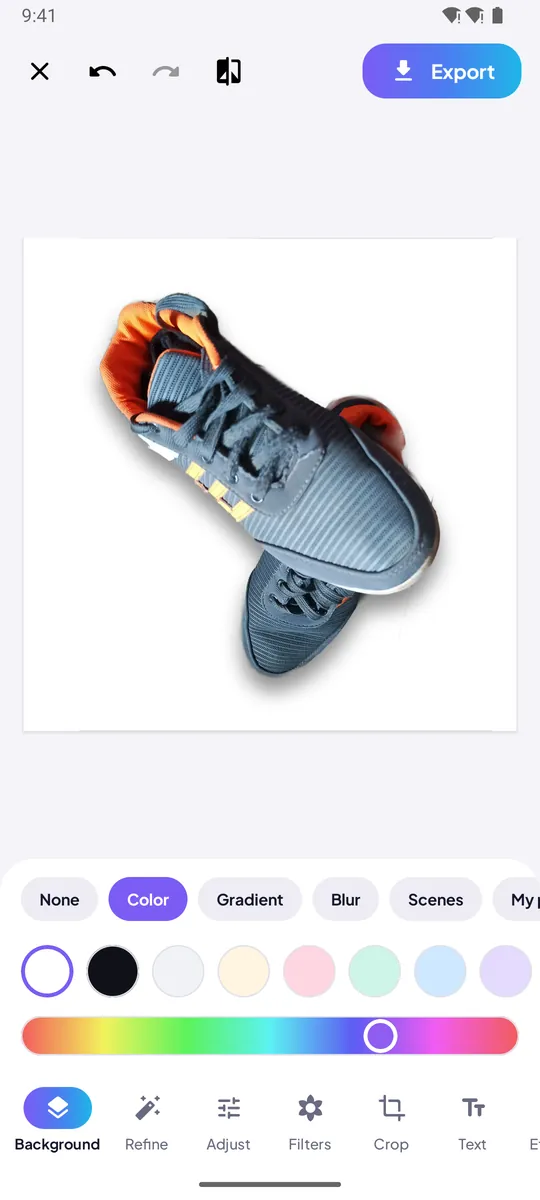
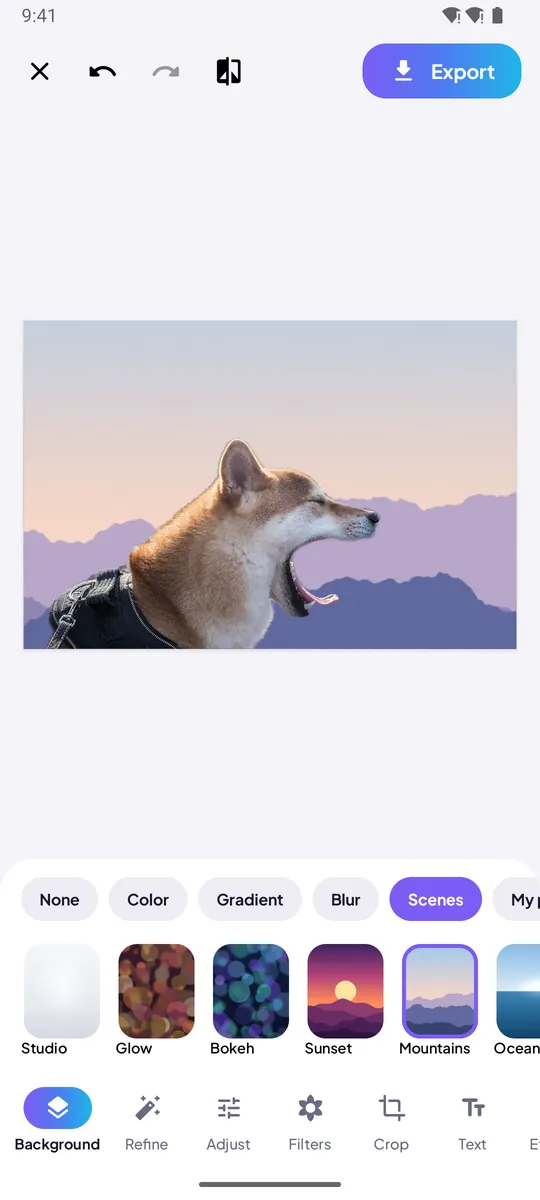
- Choose transparent, a color, gradient, blur, a scene or your own photo.
- Add filters, text, an outline or a shadow, and crop to any size.
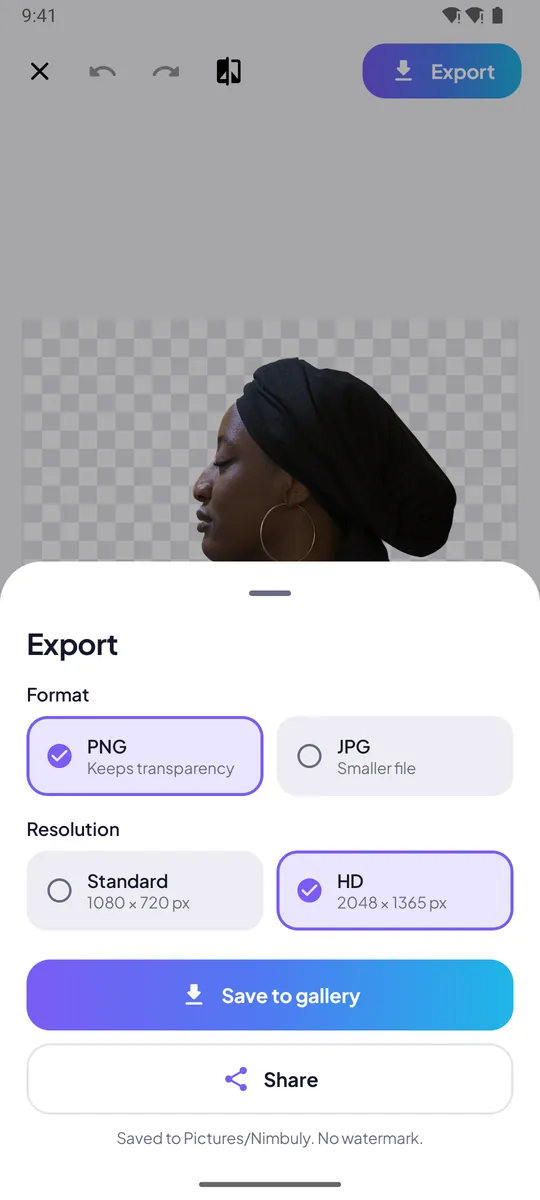
- Save a transparent PNG or a JPG to your gallery and share it.
Features
Everything you need for a clean cut-out
Automatic cut-out
On-device AI removes the background from portraits, pets, products, food and everyday objects.
Refine brush
Erase and Restore with adjustable size and softness, zoom for detail, and unlimited undo and redo.
New backgrounds
Transparent, solid colors, gradients, a blur of the original, built-in scenes, or any photo of your own.
Edit tools
Crop to 1:1, 4:5, 9:16, 16:9 and more, rotate, flip, adjust light and color, and apply filters.
Templates
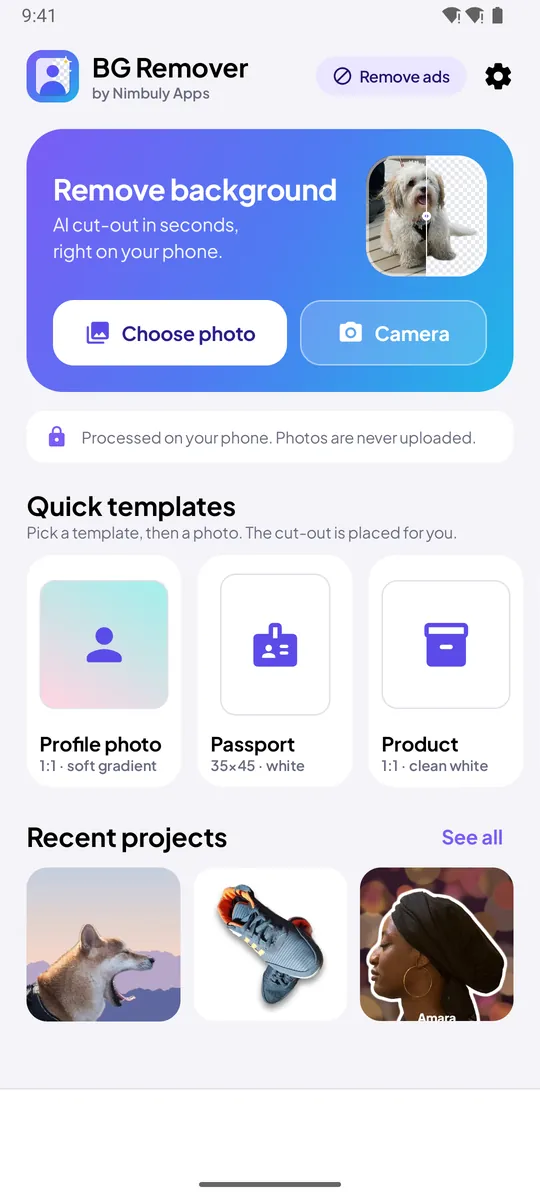
Profile photo, passport-style white background, product on white, studio product shot and social posts.
PNG or JPG export
Save a transparent PNG or a JPG in standard or HD to Pictures/Nimbuly, then share to any app.
Results depend on the photo. A clear subject that stands out from its background gives the best cut-out. For official passport or ID photos, check your local size and background rules.
Screenshots
A closer look
Scroll sideways to see more
Privacy
Your photos stay on your phone
On-device AI
Background removal runs on your phone. Your photos are never uploaded to our servers.
No account
No sign-in, no name, no email, no phone number.
Only the photos you pick
The system photo picker shares just the photos you choose. No camera or full photo-library permission.
Ads by Google AdMob
The free version shows ads, with consent where required. Remove them with a one-time purchase.
FAQ
Frequently asked questions
Can't find your answer? Email contact@nimbulyapps.com and we'll help.
Is Background Remover free?
Yes. Every feature is free to use. The free version shows ads, and you can turn them off for good with a one-time “Remove ads” purchase through Google Play.
Are my photos uploaded anywhere?
No. The cut-out is made on your phone, using Google ML Kit (through Google Play services) or a model built into the app. Your photos and results are never sent to our servers, and ML Kit does not send your images to Google.
Do I need an account?
No. There is no sign-in. Open the app and pick a photo.
Where are my images saved?
Exports are saved to your gallery under Pictures/Nimbuly. Projects you can keep editing stay in the app’s private storage until you delete them.
Where do I get the app?
Install Background Remover free from Google Play. Updates come through the Play Store.
The edges aren’t perfect. What can I do?
Use the Refine tool’s Erase and Restore brushes and zoom in. Fine hair and thin parts are the hardest. A subject that stands out clearly from its background works best.
Which Android versions are supported?
Android 7.0 (Nougat) and later.