Downloader - Max Video Downloader
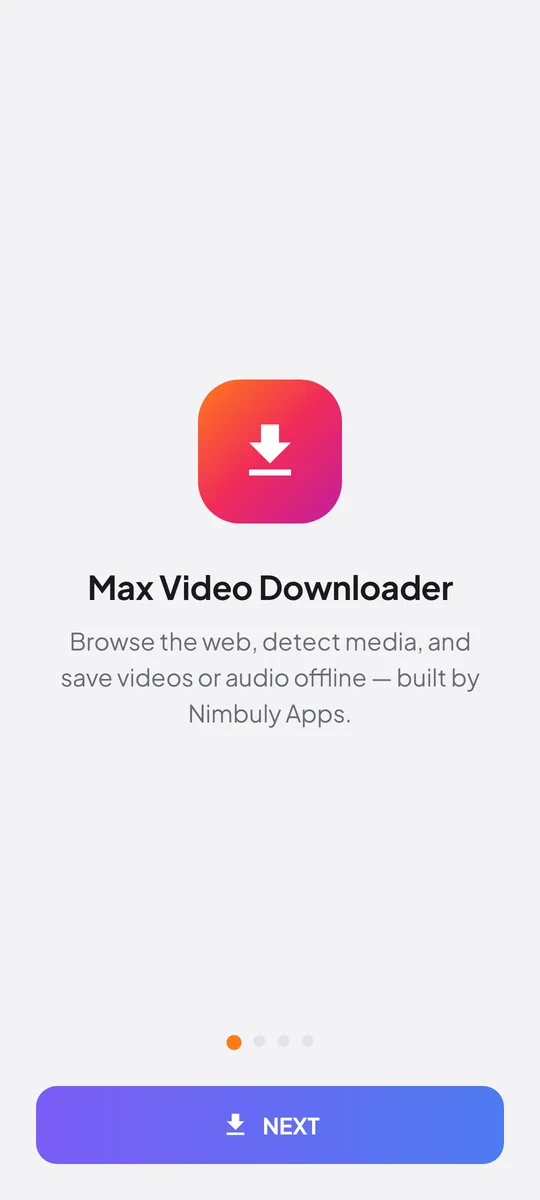
Browse the web inside the app, auto-detect playable media, and save video or audio offline — or paste a direct media link. No login and no clutter — always free to use.
- Platform
- Android 7.0+
- Price
- Free to use
- Remove ads
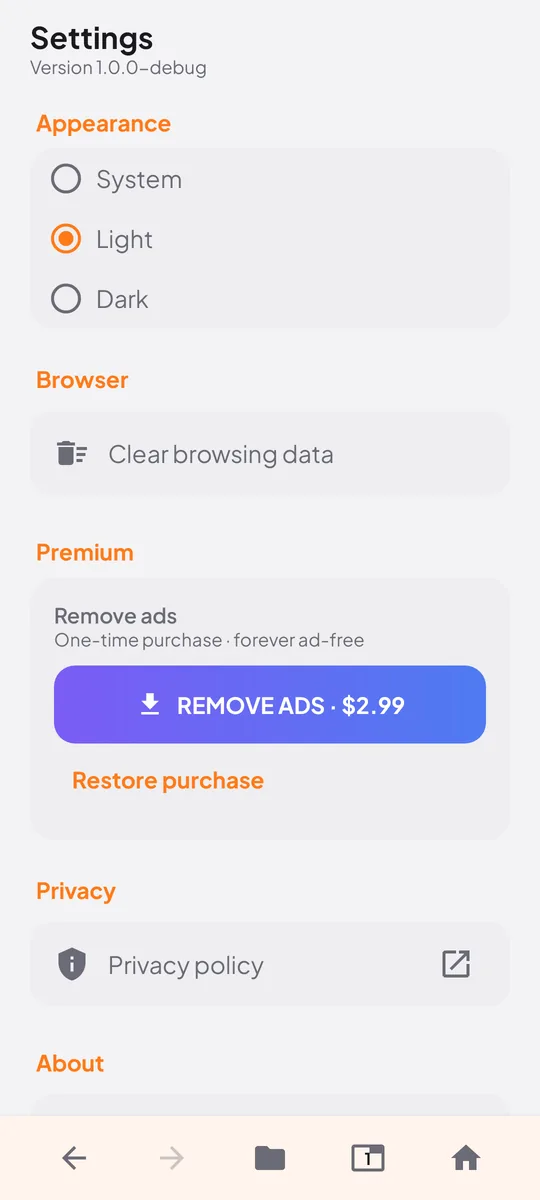
- US$2.99, once
- Package
com.nimbuly.maxdownloader
How it works
Browse, detect, or paste — then save
Use the built-in browser to find media on a page, or paste a link on the home screen. Either way, you pick what to keep.
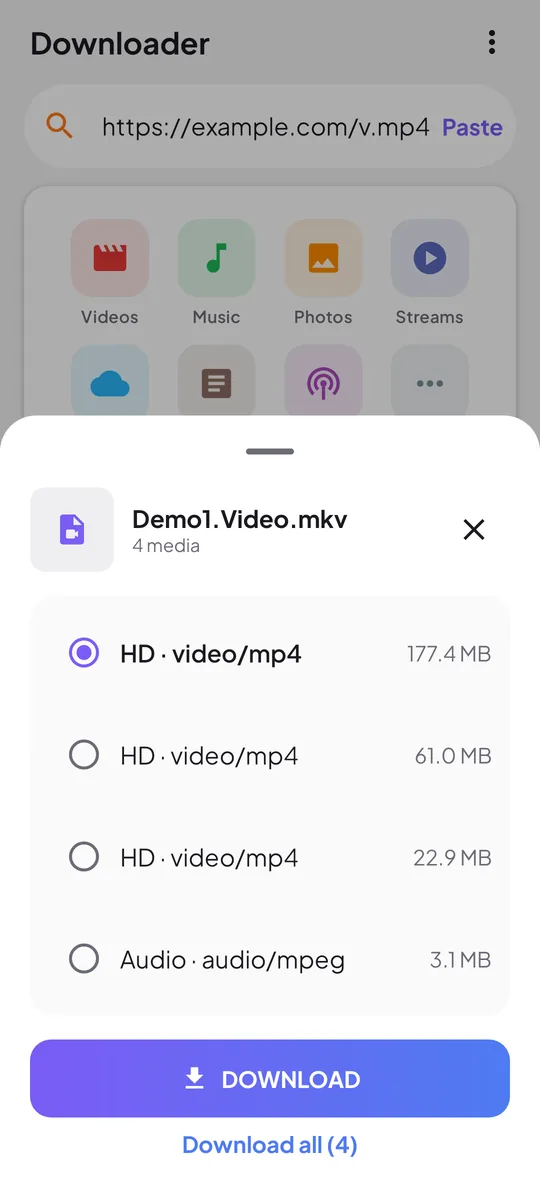
Browse and detect
- Open the in-app browser and go to any page with video or audio.
- When media is found, tap the download chip.
- Choose a quality or format when options are available.
- The file lands in your library and gallery folders.
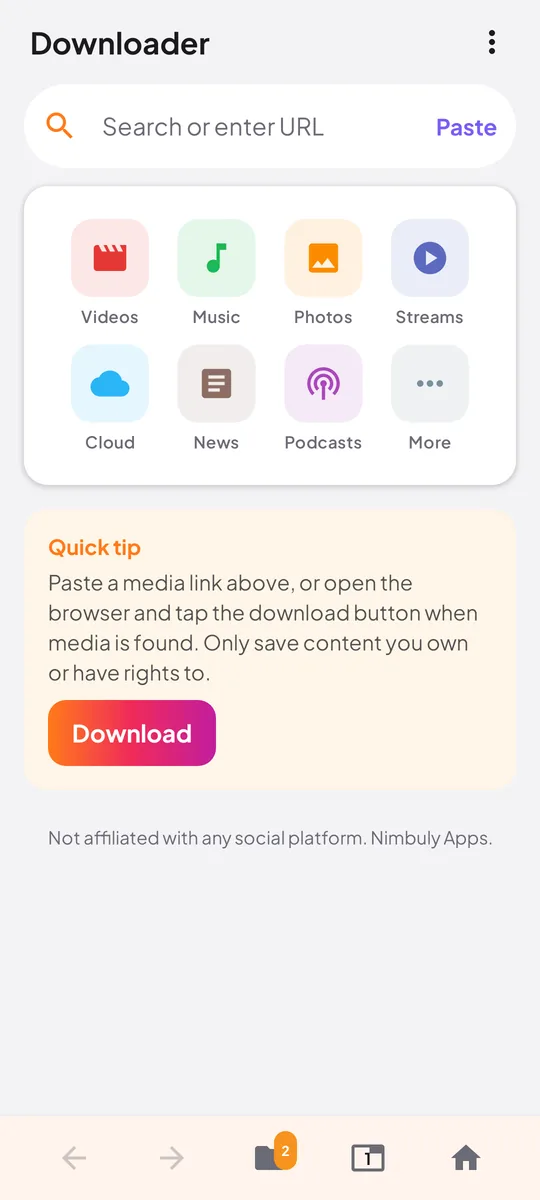
Paste a link
- Copy a direct media URL, or a common social share link.
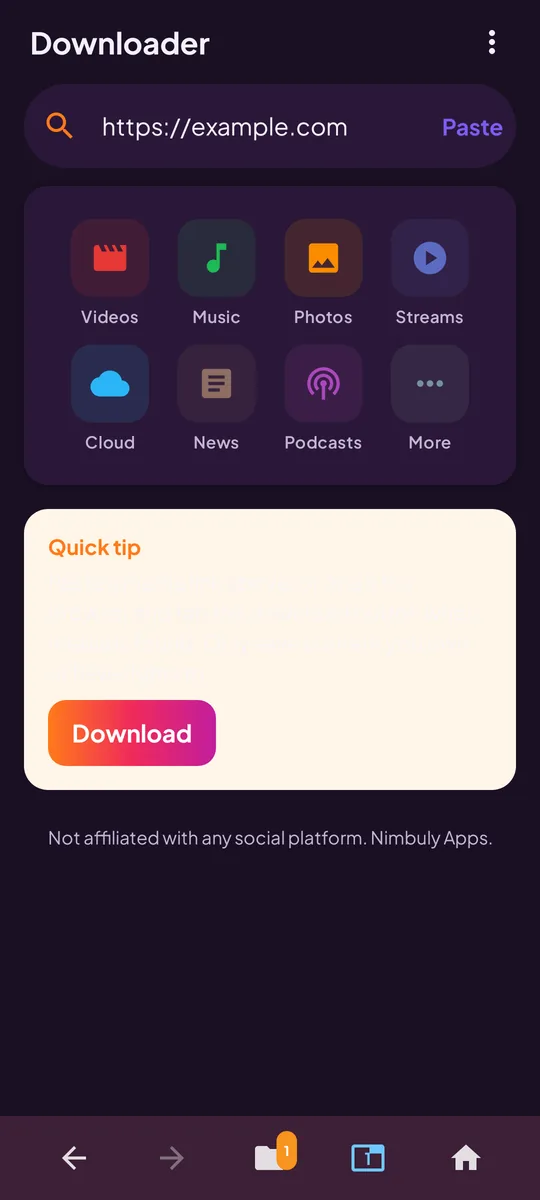
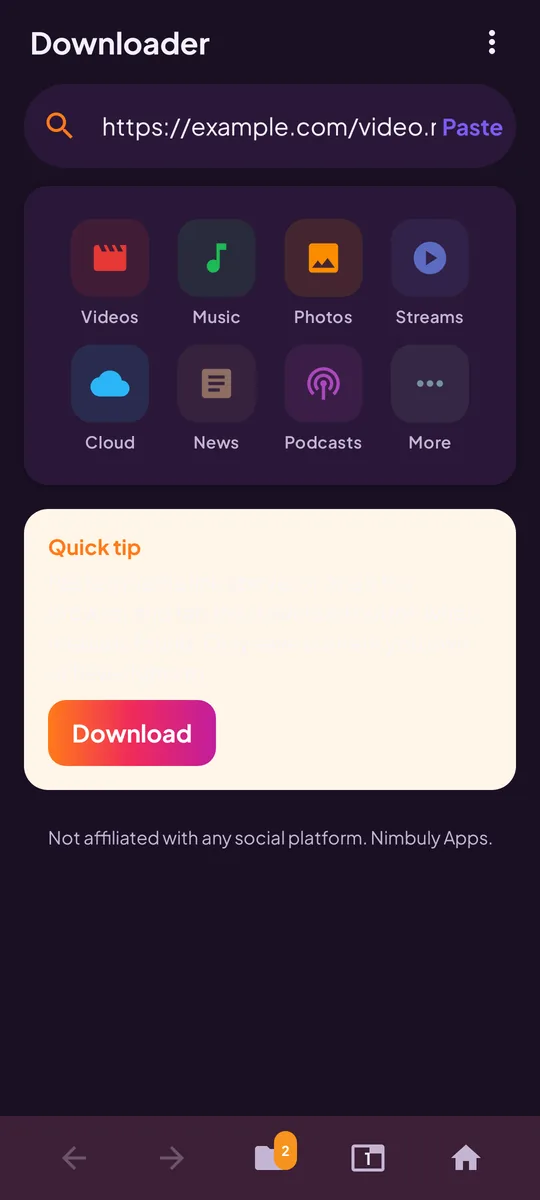
- On the home screen, tap Paste (or paste into the box).
- Tap Download to resolve and queue the file.
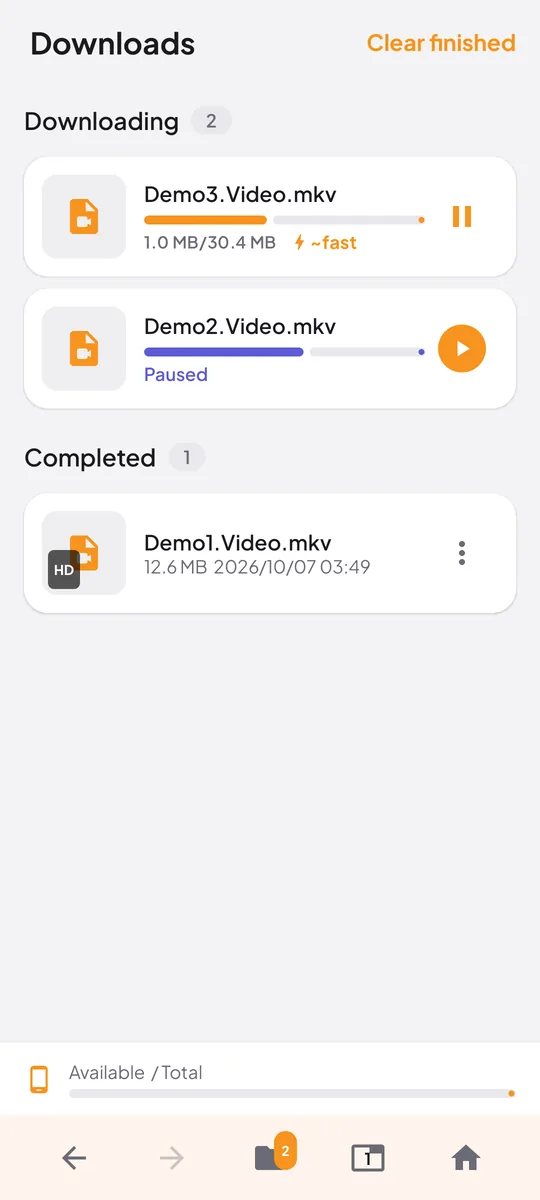
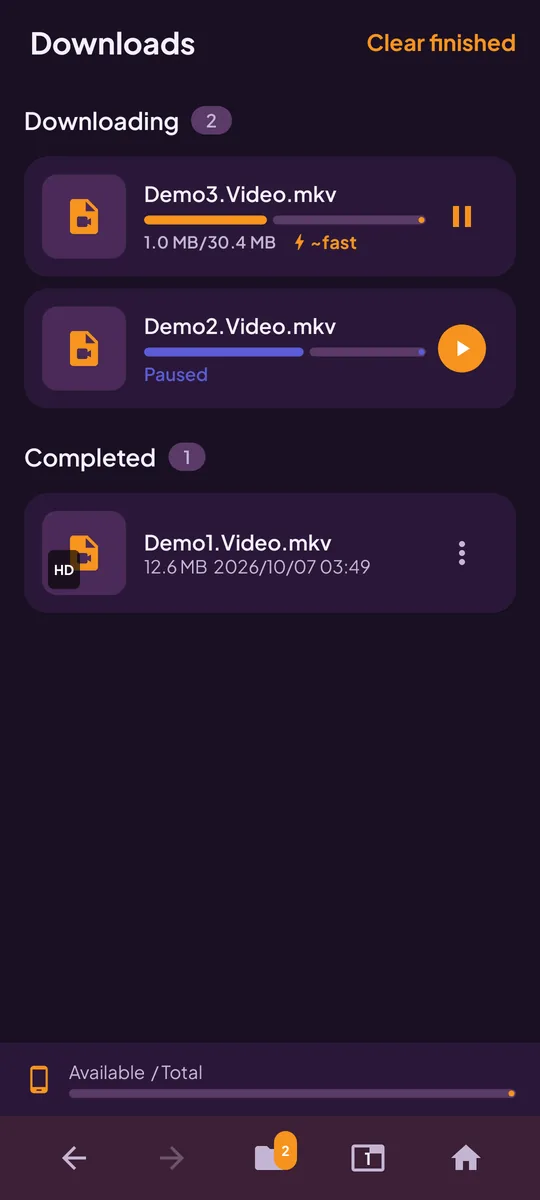
- Watch progress in Downloads — pause or resume anytime.
Features
A full downloader, not a one-trick tool
Built-in browser
URL bar, bookmarks, tabs, and a private/clear mode — browse and download without leaving the app.
Auto-detect media
Hooks page requests and HTML5 video sources so a download chip appears when playable media is found.
Paste-link download
Direct mp4, webm, mp3 and similar links, plus common social share links resolved via our lookup service.
Queue with pause/resume
Multiple downloads, progress, HTTP Range resume, and a foreground notification so transfers keep going.
Offline library
Play saved files offline, share them, or delete them. Files go to Movies, Music, Pictures or Download/MaxDownloader.
Light and dark theme
Light by default, with dark and system options in Settings. Clear browsing data whenever you like.
Only download content you own or have permission to save. DRM-protected and some hotlinked streams cannot be saved — that is a technical and legal limit, not a bug.
Screenshots
A closer look
Scroll sideways to see more
Pricing
Free to use. Ad-free if you like.
Every feature is unlocked from day one. If you'd rather not see ads, remove them once and you're done.
- Every feature unlocked — browser, detect, queue, library
- No subscription, no paywall
- A banner ad and an occasional full-screen ad after a download
- Ads from Google AdMob, with consent where required
- No ads, anywhere in the app
- No subscription, pay once
- Restore it on a new phone with the same Google account
Purchases are handled by Google Play, which shows the final price in your local currency before you pay. Refunds follow Google Play's refund policies.
Privacy
Privacy, in short
The full details are in the Max Video Downloader privacy policy. Here are the essentials.
No account
No sign-in, and we never ask for your name, email or phone number.
Files stay on your phone
Your downloads, library and browsing data stay on your device unless you clear them.
Links for lookup only
When you paste a social share link, that link is sent to our lookup service so we can find the files.
Ads by Google AdMob
The free version uses your advertising ID for ads, with consent where required. No analytics SDKs of our own.
FAQ
Frequently asked questions
Can't find your answer? Email contact@nimbulyapps.com and we'll help.
Is Max Video Downloader free?
Yes. It is free of cost — every feature is unlocked from day one. The free version shows ads; you can turn them off for good with a one-time “Remove ads” purchase (US$2.99, or the local price Google Play shows you).
Do I need an account?
No. There is no sign-in. Open the app and use it.
Where are my downloads saved?
Files are saved via Android’s media store under Movies, Music, Pictures or Download folders for MaxDownloader. You’ll also find them in the app’s Downloads tab.
Why can’t some videos be saved?
DRM-protected streams, expired signed URLs, and sites that block hotlinking often cannot be downloaded. That is expected. Only save content you own or have rights to.
Is this affiliated with any social platform?
No. Max Video Downloader is an independent app by Nimbuly Apps and is not affiliated with, endorsed by or sponsored by any website or social platform.
Does it download from YouTube?
No. YouTube is not supported. In line with Google Play policy, the app does not download from YouTube.
I bought “Remove ads”. How do I restore it?
Sign in to Google Play with the same Google account, install the app and tap Restore purchase in Settings.
Which Android versions are supported?
Android 7.0 (Nougat) and later.
Legal and policies
Independent app. Max Video Downloader is not affiliated with, endorsed by or sponsored by any website or platform. YouTube is not supported. Download only content you own or have permission to save, and respect the rights of creators. Rights holders can reach us through our copyright page.