Nimbuly Docs - Document Reader & PDF Tools
Every document on your phone in one tidy list. Read PDF, Word, Excel, PowerPoint and text files, fix PDFs in seconds and create new documents. It all happens offline, on your device.
Available free on Google Play. Updates install through the Play Store.
- Platform
- Android 7.0+
- Price
- Free to use
- Processing
- On your device
- Package
com.nimbulyapps.documentreader
How it works
Open, fix and create documents
Find any document in a second, read it comfortably, and use the built-in tools when you need to change it.
Read anything
- Pick a file, open one from another app, or let the app list your documents.
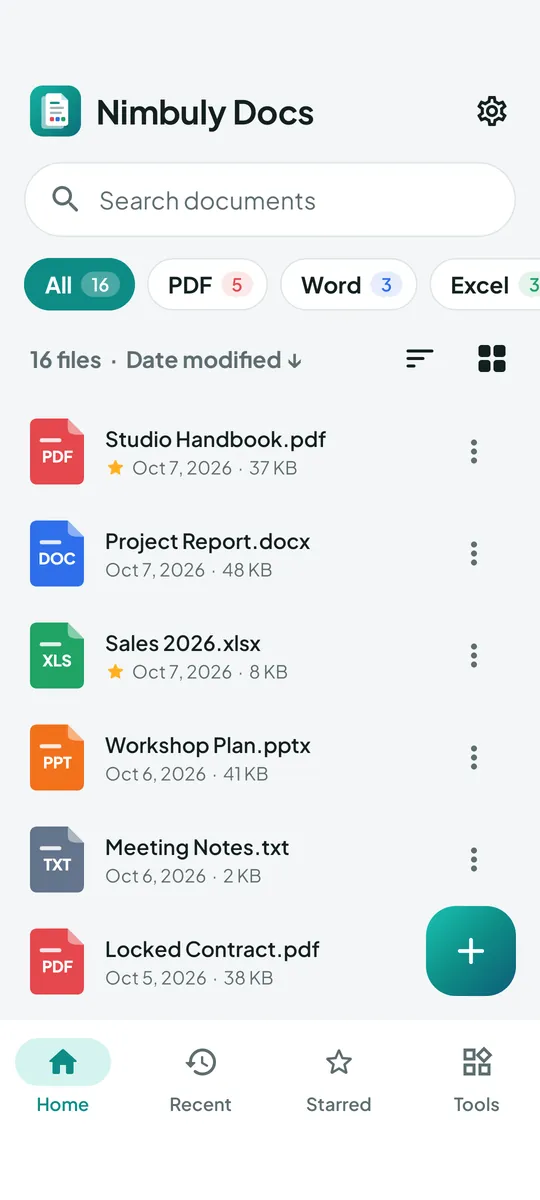
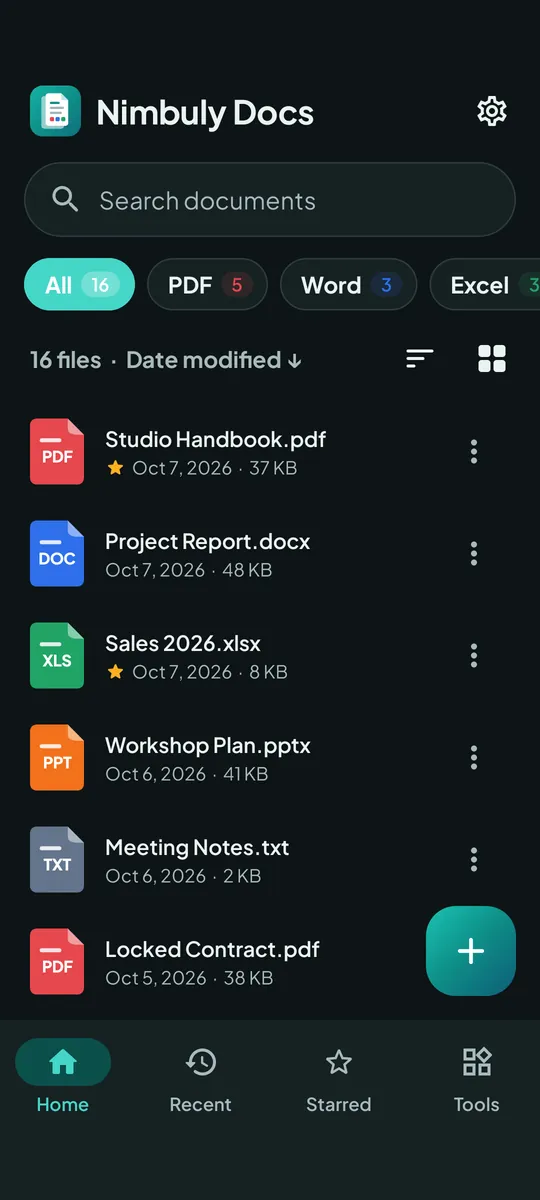
- Filter by type, sort, search, and star the files you use most.
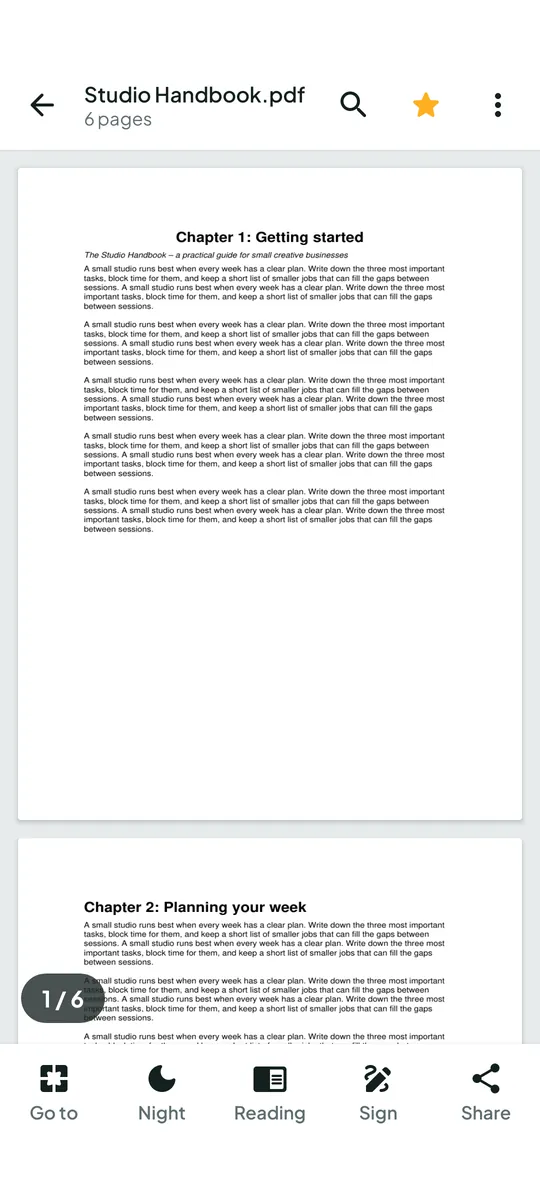
- Read with zoom, search, go to page and night mode.
Edit and create
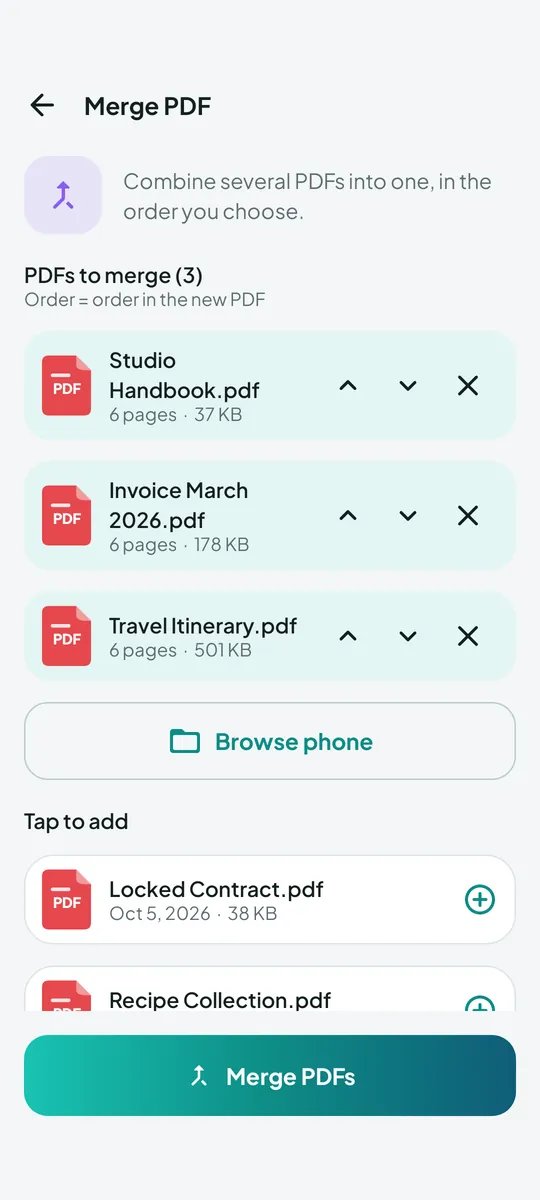
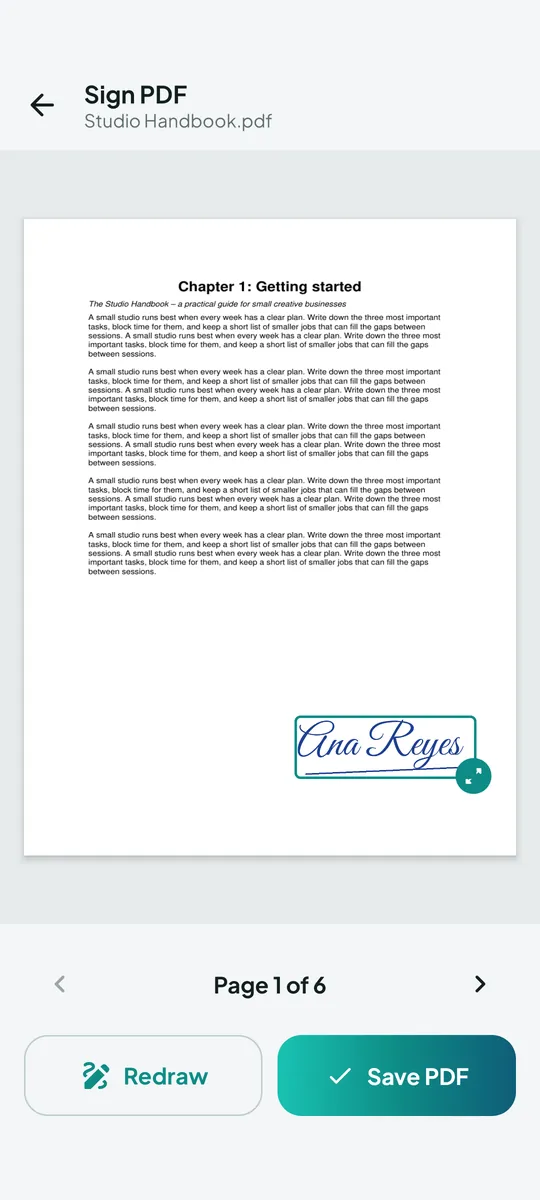
- Merge, split, compress, sign or lock a PDF, or turn photos into a PDF.
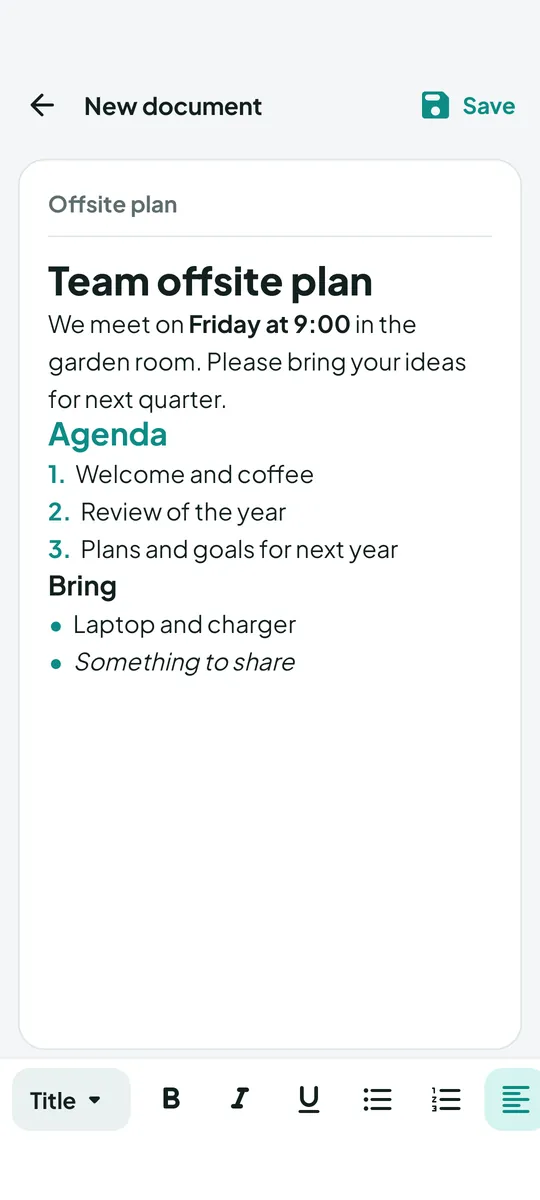
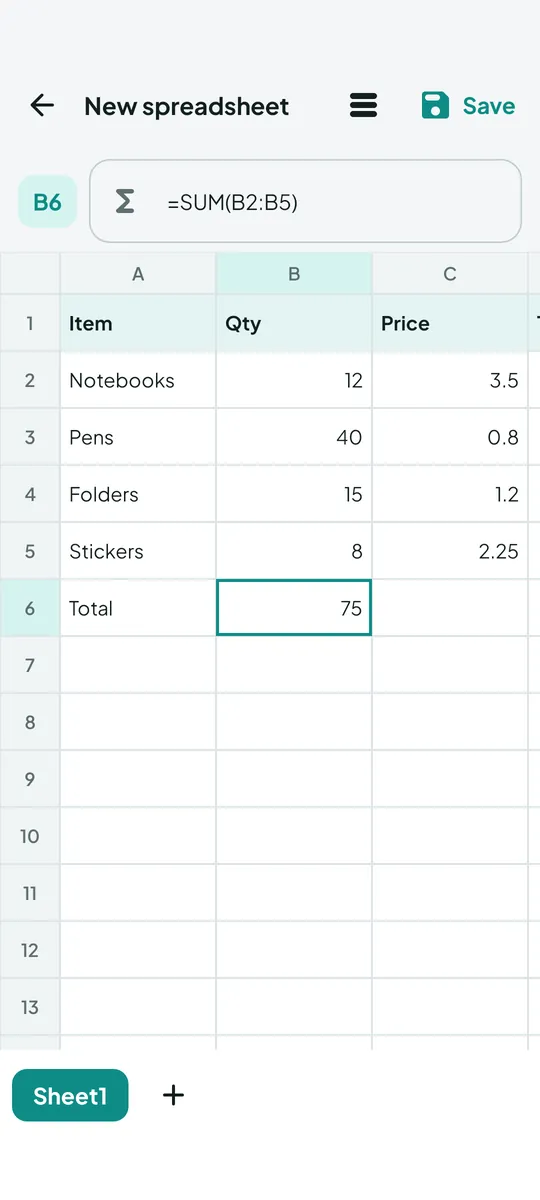
- Write a new document or spreadsheet right in the app.
- Save to Documents/Nimbuly Docs and share to any app.
Features
One app for all your documents
All documents in one place
PDF, DOC/DOCX, XLS/XLSX, PPT/PPTX, TXT, RTF, CSV and OpenDocument files, with type tabs, sorting, list or grid view, Recent and Starred.
PDF reader
Smooth scrolling, pinch-to-zoom, text search, go to page, night mode, password-protected PDFs and a reading mode that reflows pages into text.
Word, Excel, PowerPoint and text
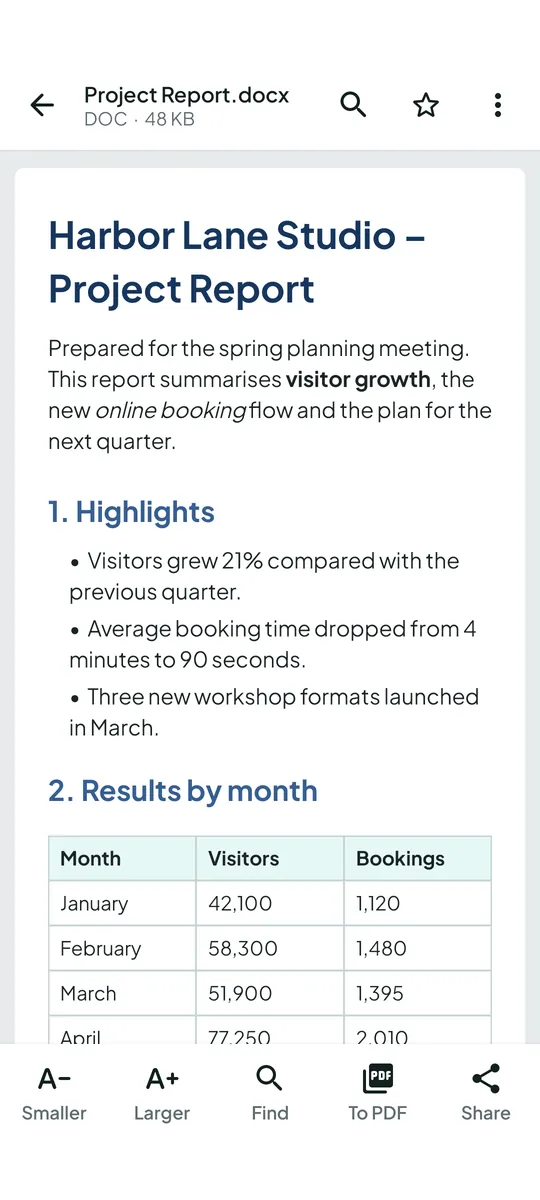
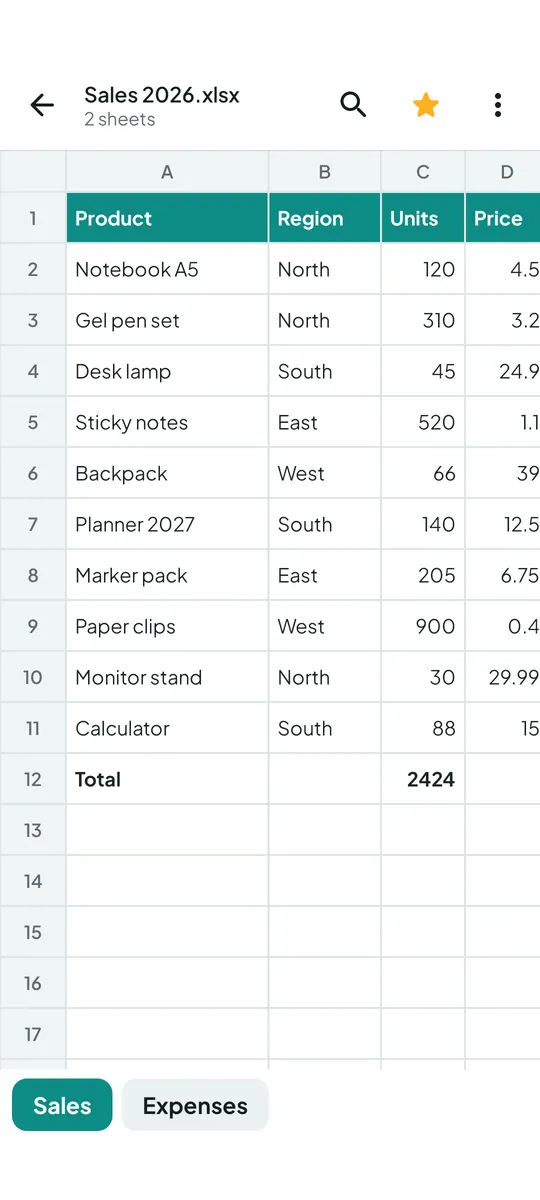
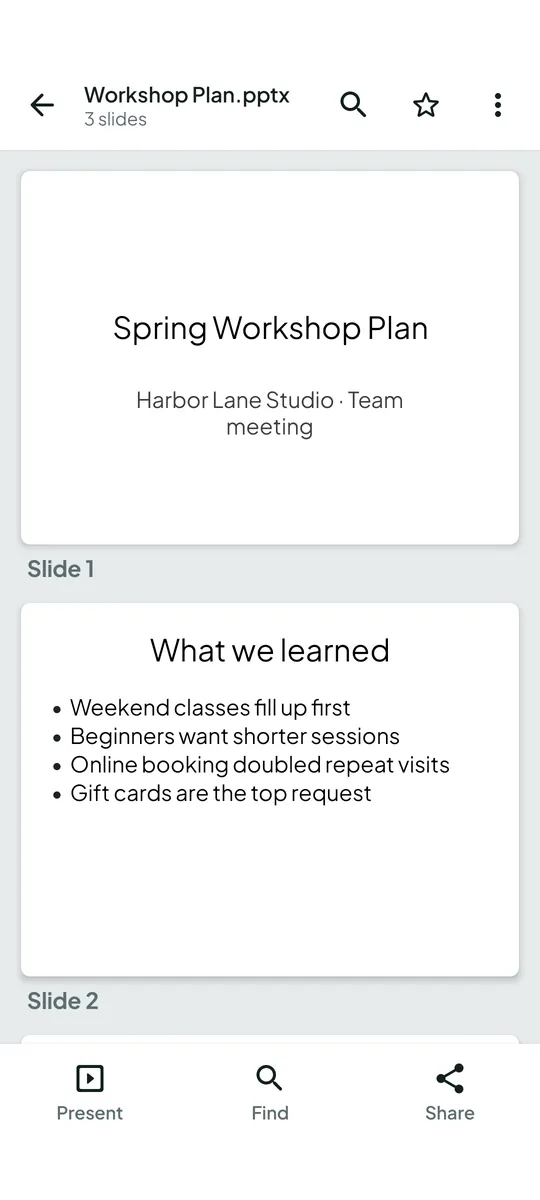
Documents with headings, lists, tables and pictures; spreadsheets with sheet tabs; slides with a full-screen present mode; plain text and CSV.
PDF tools
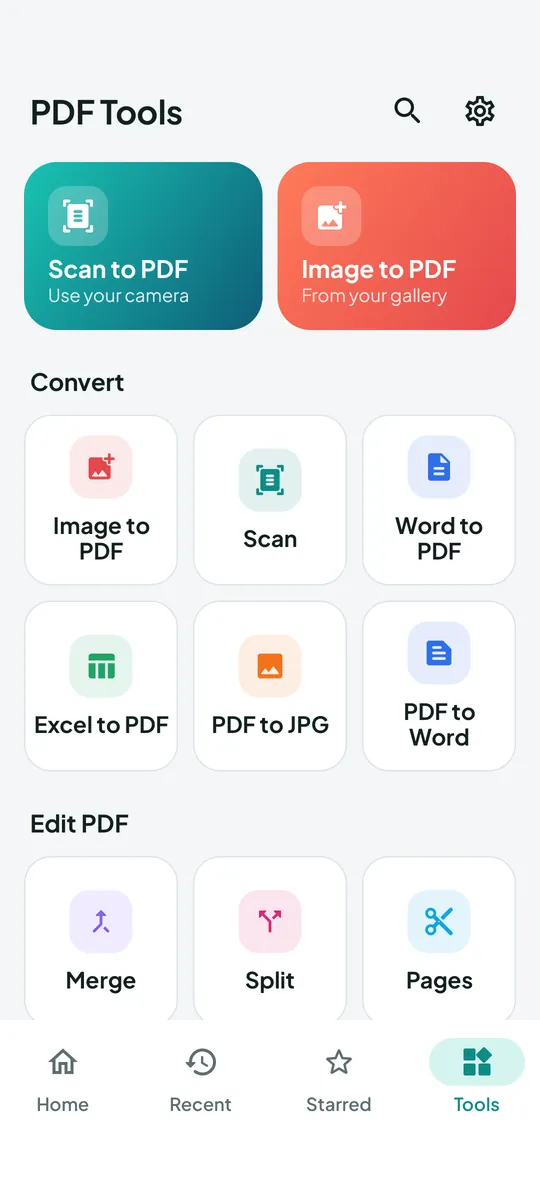
Merge, split, extract or delete pages, rotate, compress, sign with your drawn signature, lock with a password (AES-256) and unlock.
Convert
Images or camera photos to PDF, PDF to JPG/PNG, PDF to Word (text), Word to PDF, Excel to PDF, text to PDF, and print.
Create documents
Write documents with headings, bold, italic, lists and alignment, and save as PDF, Word (.docx) or text. Make spreadsheets with SUM, AVERAGE, MIN and MAX and save as Excel (.xlsx), CSV or PDF.
Complex layouts in some files may look simpler than in desktop office software. Format names are used only to describe compatibility; Nimbuly Docs is an independent app and is not affiliated with any office-software maker.
Screenshots
A closer look
Scroll sideways to see more
Privacy
Your files stay on your phone
On-device and offline
Reading, converting, merging, signing and creating all run on your phone, with or without internet. Your files are never uploaded.
No account
No sign-in, no name, no email, no phone number. No cloud sync.
You choose the access
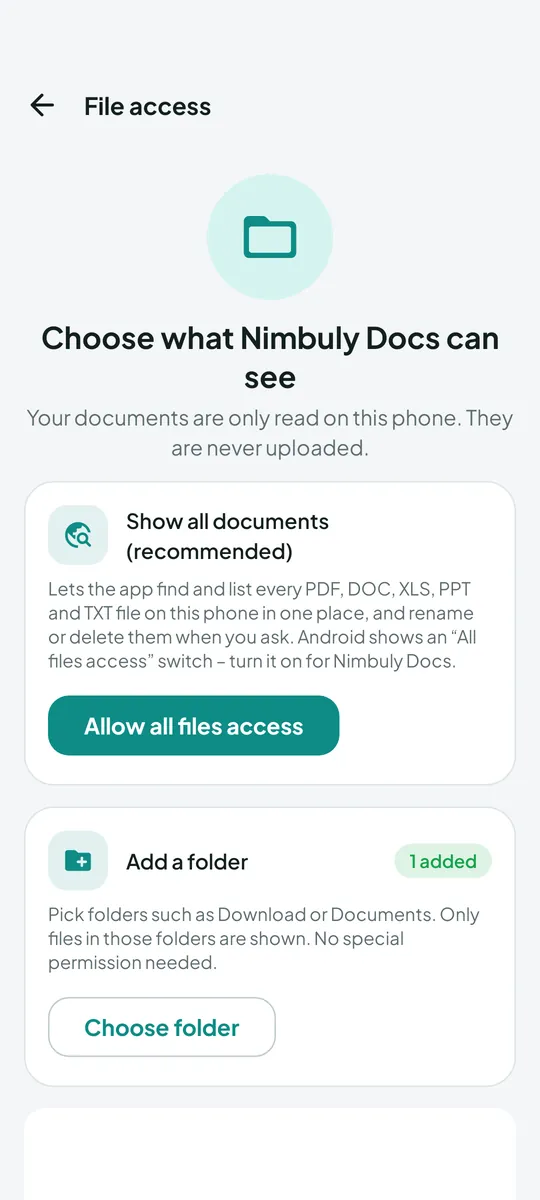
Pick files or folders yourself. Listing every document is optional and only turned on by you.
Ads by Google AdMob
The free version shows ads, with consent where required. Remove them with a one-time purchase.
FAQ
Frequently asked questions
Can't find your answer? Email contact@nimbulyapps.com and we'll help.
Is Nimbuly Docs free?
Yes. Every reader, tool and editor is free to use. The free version shows ads, and you can turn them off for good with a one-time “Remove ads” purchase through Google Play.
Are my documents uploaded anywhere?
No. Files are opened, converted, merged, compressed, signed, locked and created on your phone. The app has no server and no cloud sync, and it works without internet. PDF passwords are used only in memory and are never saved.
What file access does the app need?
None to get started. You can open files with the system file picker, add a folder you choose, or open a document from another app with “Open with”. Pictures for Images to PDF come from the system photo picker, and Scan to PDF uses your phone’s own camera app, so the app has no camera or photo-library permission.
If you want the home screen to list every document on your phone, you can turn on All files access from the app’s File access screen (Android 11 and later). Android shows its own switch, and you can turn it off anytime in Settings. On Android 10 and older, the app asks for storage permission only when you tap “Show all files” or save on older versions. Either way, files are read only to show and process them on your device.
Where are my new files saved?
Documents and PDFs you create or convert are saved to Documents/Nimbuly Docs, and images to Pictures/Nimbuly Docs. You can find them in any file manager.
Do I need an account?
No. There is no sign-in. Open the app and pick a document.
Where do I get the app?
Install Nimbuly Docs free from Google Play. Updates come through the Play Store.
Which Android versions are supported?
Android 7.0 (Nougat) and later.