Kids Coloring & Learning
A happy, colorful place for little artists aged 2 to 8. Tap to fill cute pictures, paint with glitter and rainbows, draw glowing neon lines and learn to write letters and numbers. No reading needed, and it all works offline.
This is an early test build for Android, installed directly from this site. The Google Play version is coming soon.
- Ages
- 2 to 8
- Platform
- Android 7.0+
- Works
- Offline, no account
- Package
com.nimbulyapps.kidscoloring
How it works
Big buttons, bright colors, happy kids
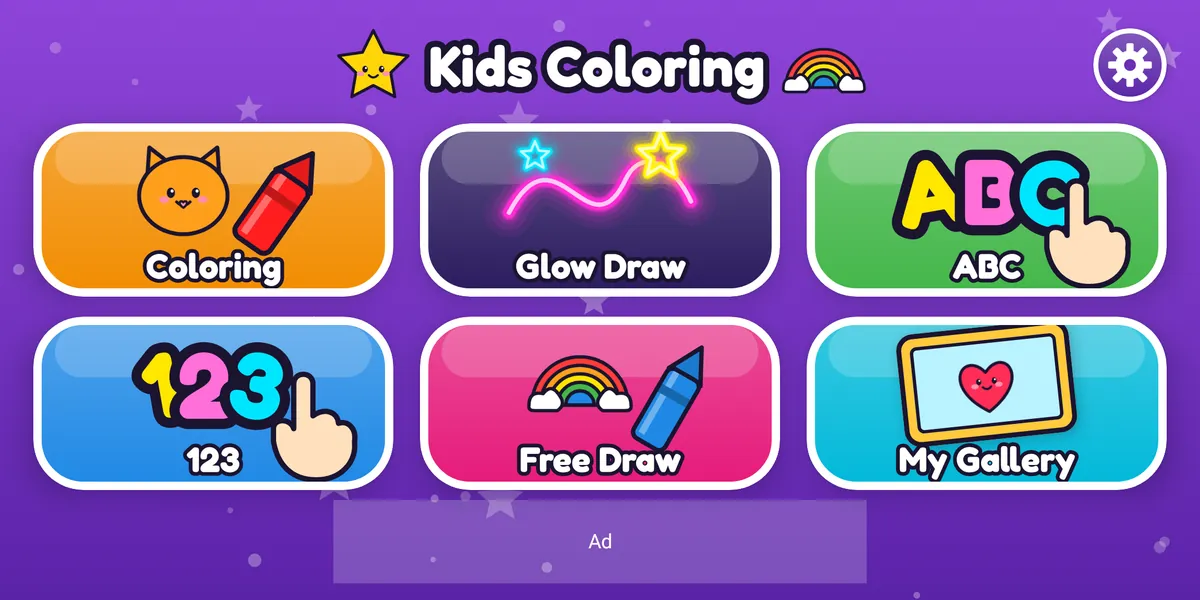
Every activity starts from one picture menu, so even the youngest children can find their way without reading.
For kids
- Tap a big picture tile: Coloring, Glow Draw, ABC, 123, Free Draw or My Gallery.
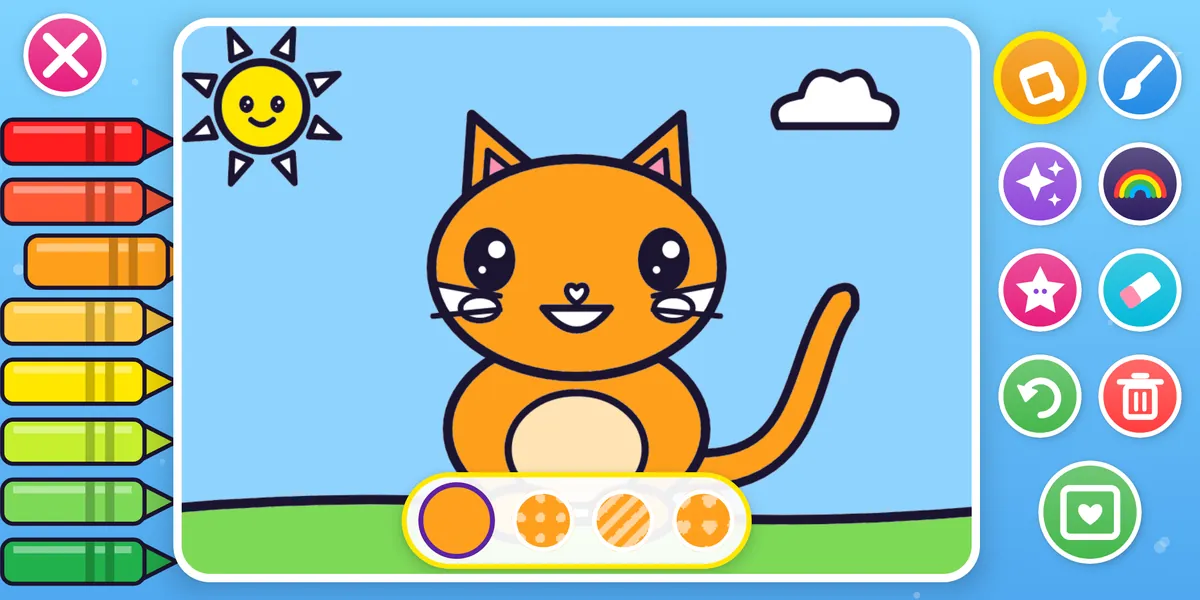
- Pick a page and color it with a tap, a brush, glitter, rainbows or stickers.
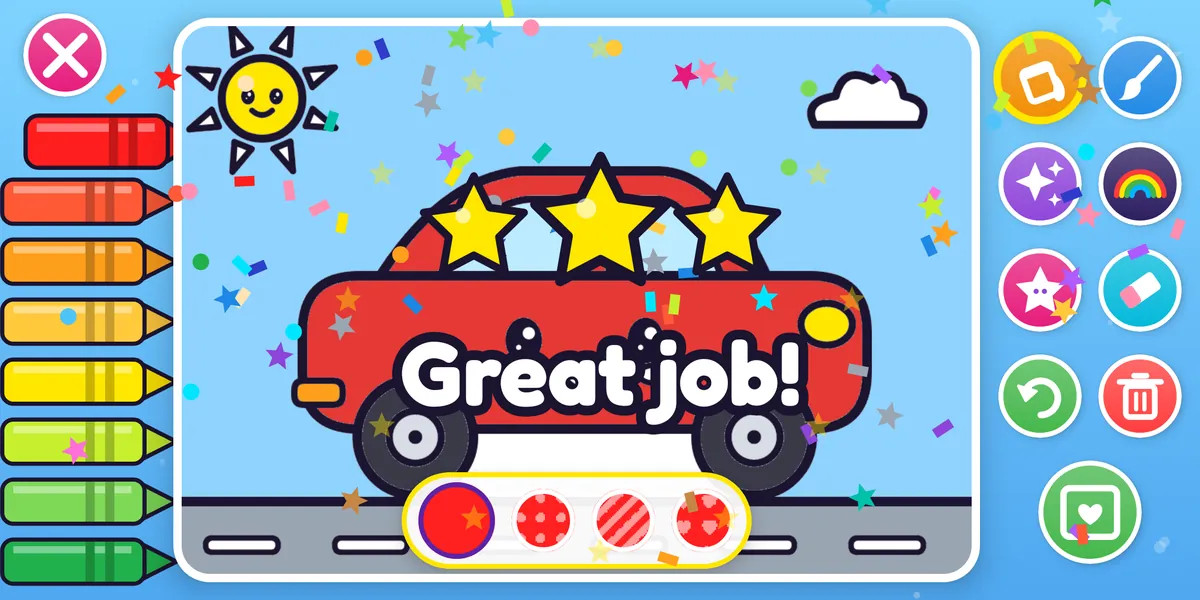
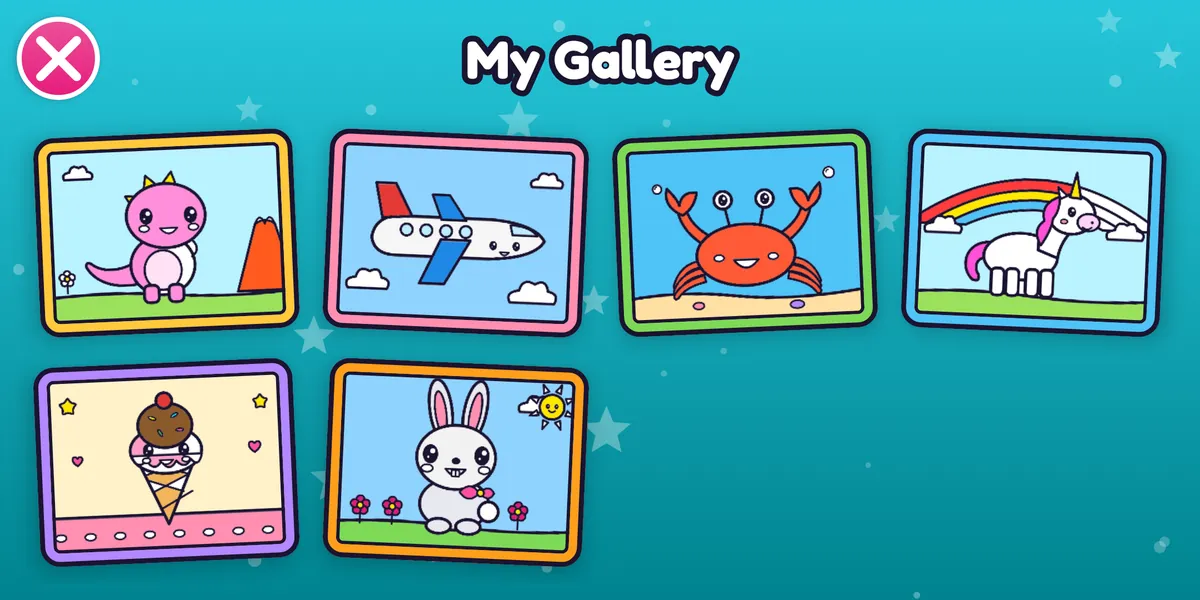
- Save it to My Gallery and celebrate with stars and confetti.
For grown-ups
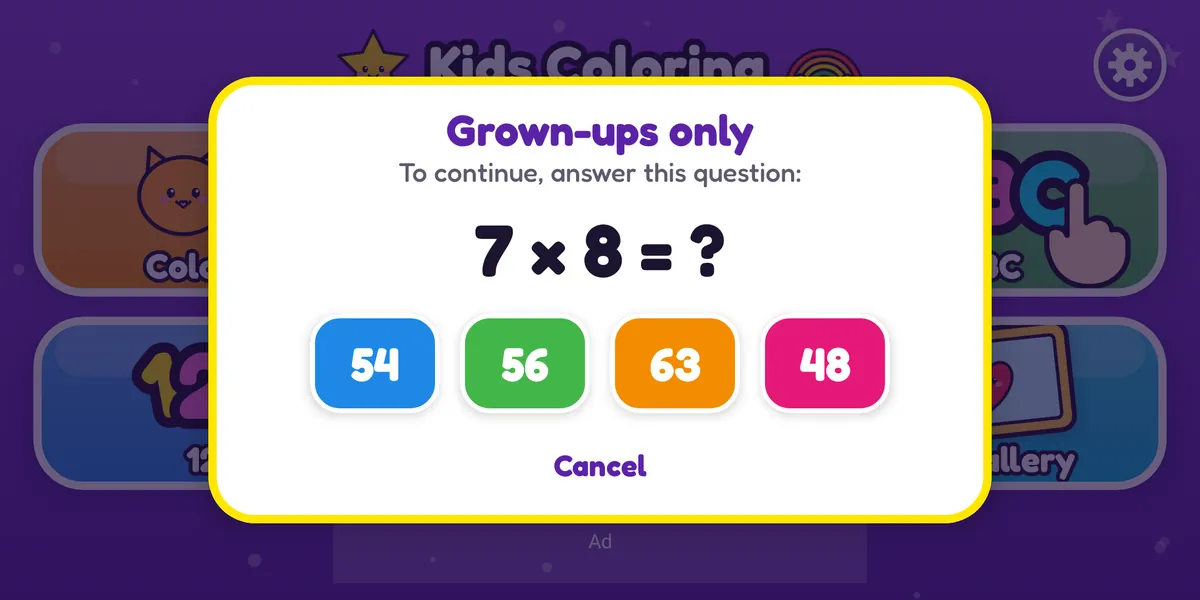
- Settings, purchases, links and deleting artwork sit behind a grown-up check.
- Turn sounds and music on or off, and read our privacy policy, from Settings.
- One optional purchase unlocks every page and removes all ads.
Features
Lots to color, draw and learn
48 original coloring pages
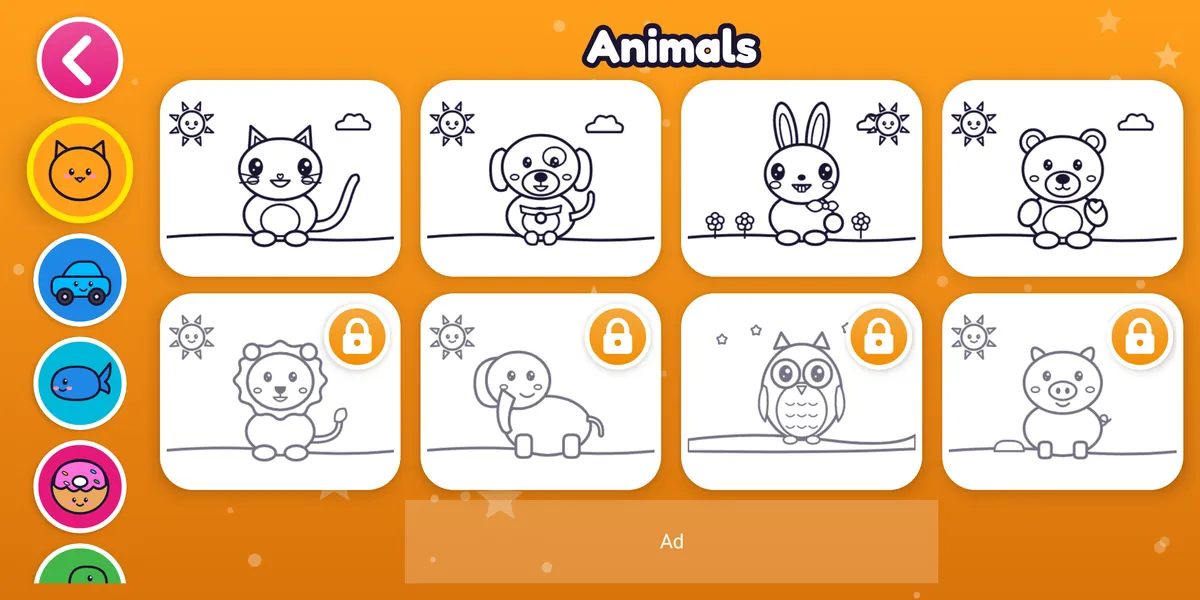
Cute animals, vehicles, ocean friends, yummy food, dinosaurs, and space & magic, with big shapes and thick outlines for little fingers.
Glitter, rainbow & pattern brushes
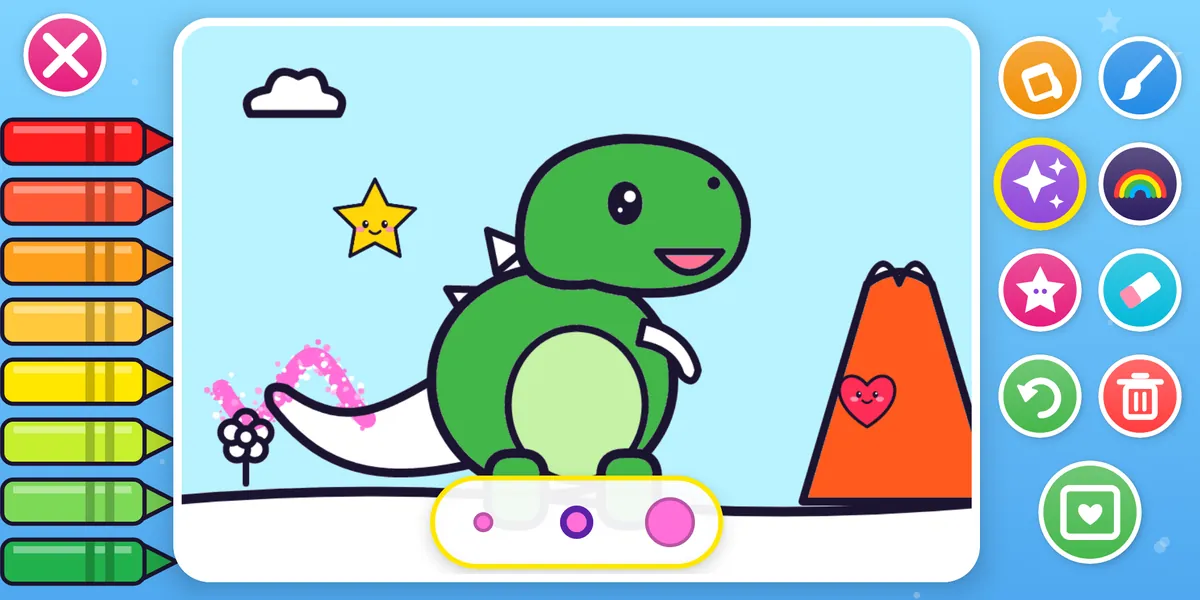
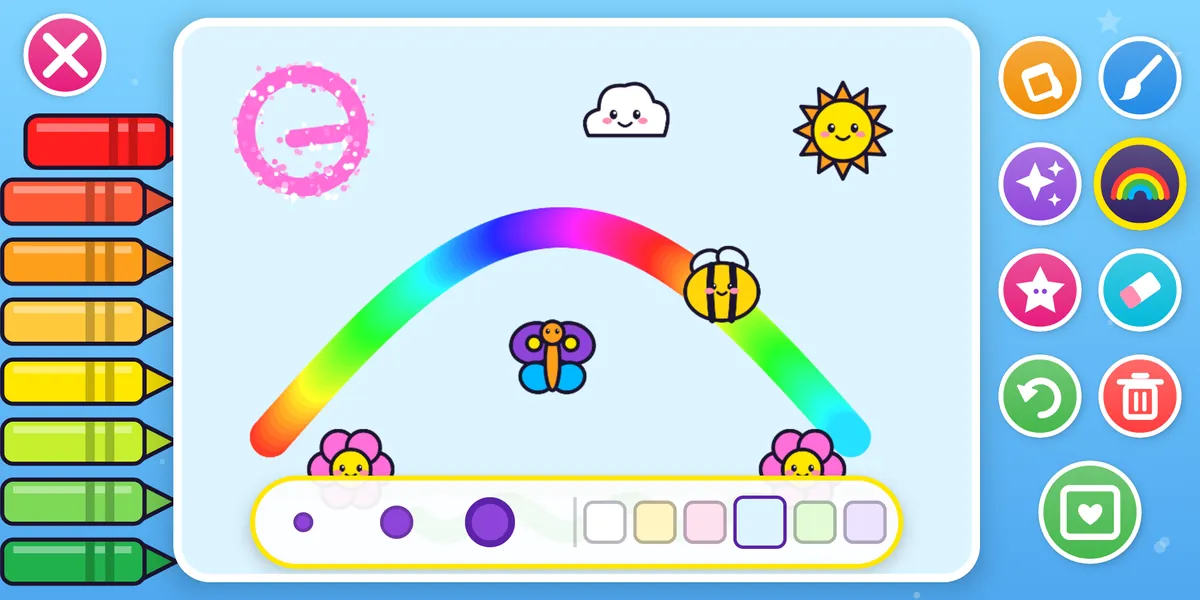
Tap-to-fill with a splash, or paint with the brush, glitter, rainbow and dot, stripe and heart patterns. 24 bright crayons, undo and eraser.
Stickers
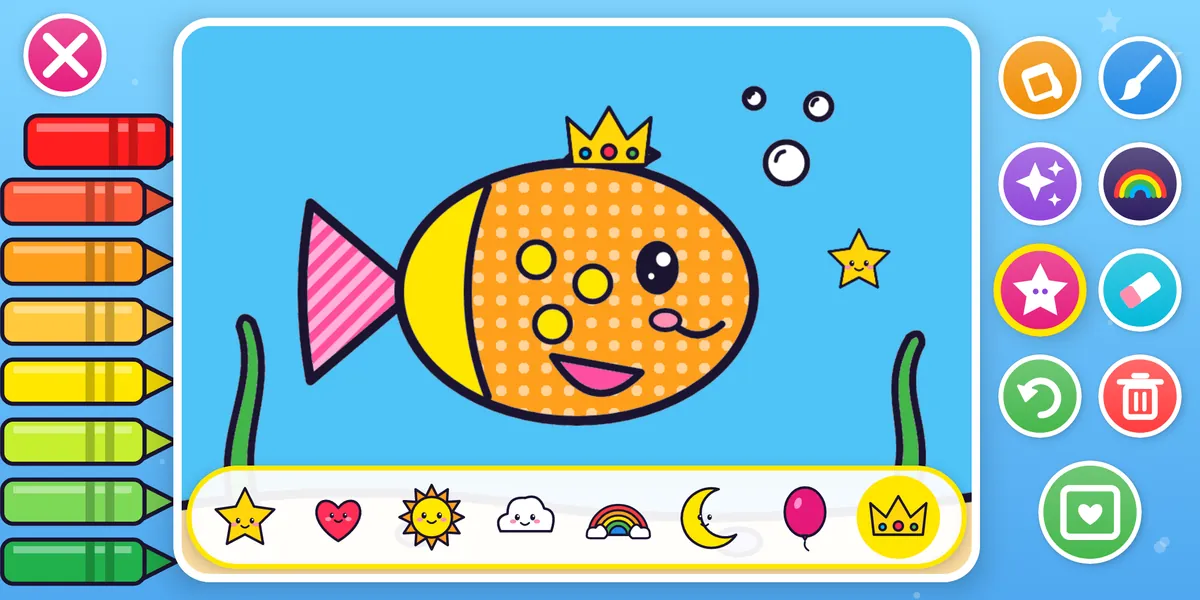
More than 30 sweet stickers to decorate every picture.
Glow Draw
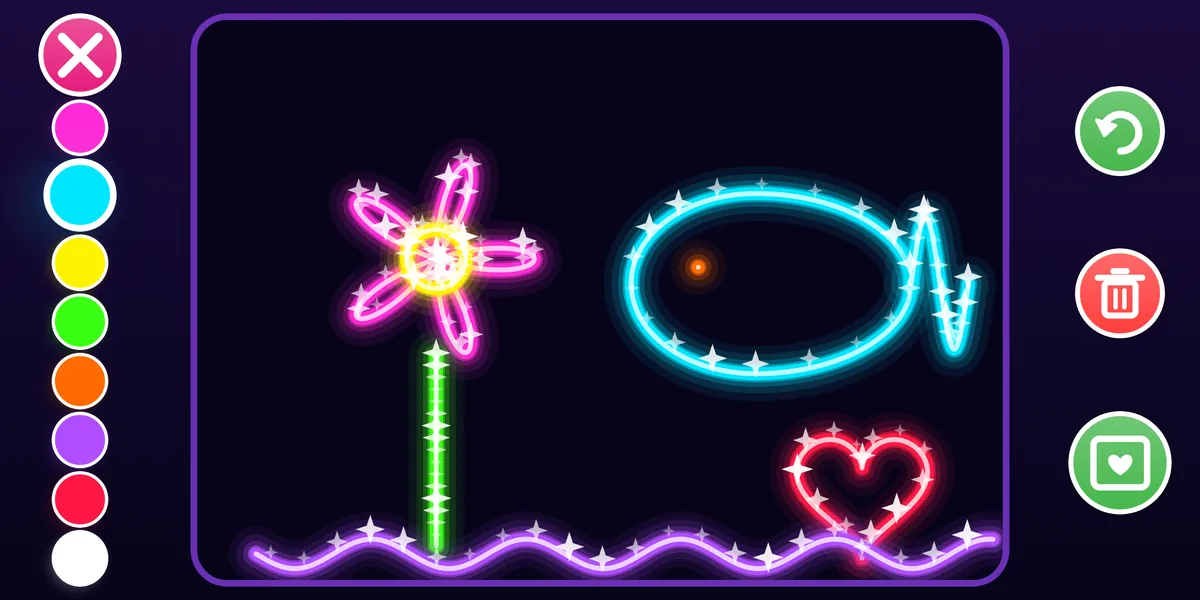
Draw glowing neon lines on a dark sky, with sparkles twinkling along every line.
ABC & 123 tracing
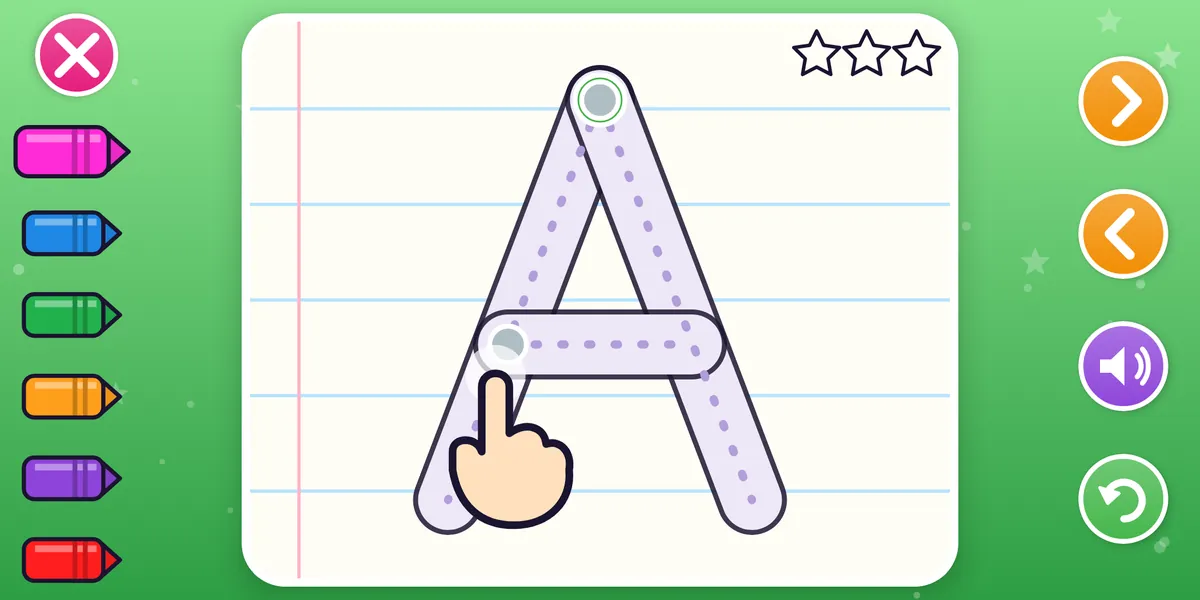
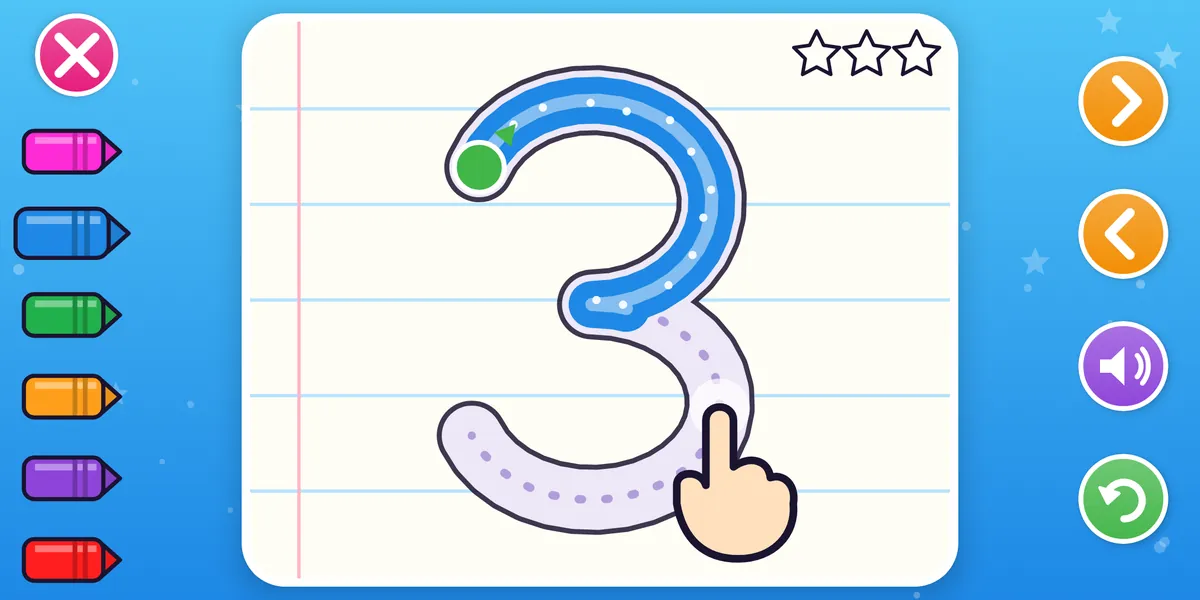
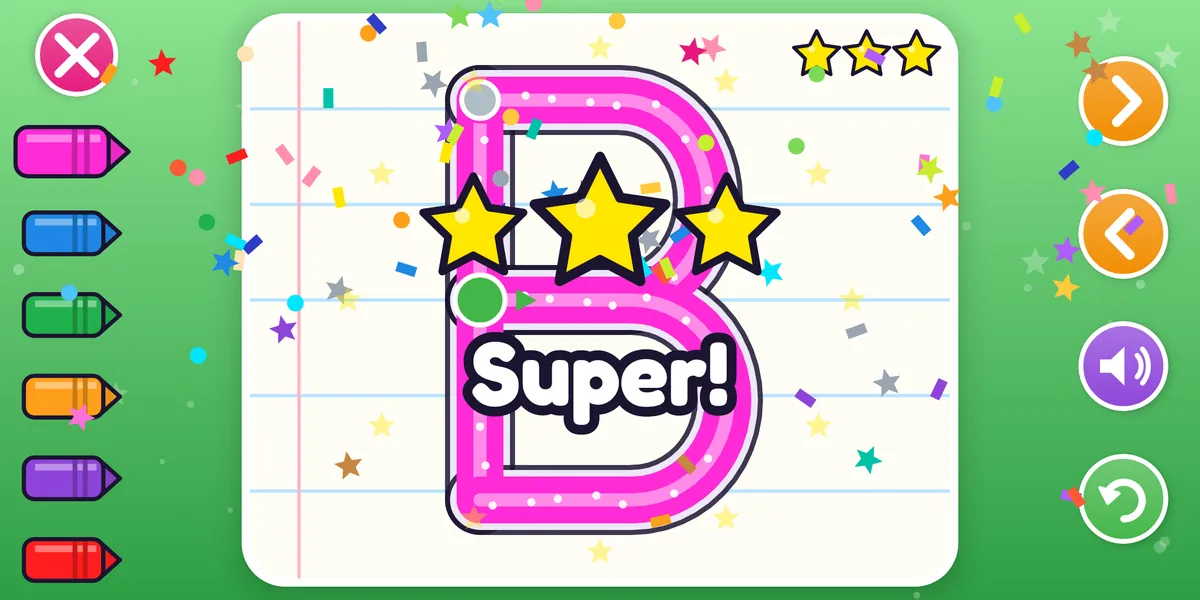
Trace A to Z and 0 to 9 with dotted guides and a helping hand. Each letter and number is spoken aloud, with up to 3 stars and confetti.
Free Draw & My Gallery
Draw on white or pastel paper and keep every masterpiece in My Gallery and your phone’s Pictures folder.
Parental gate
A quick grown-up math question guards Settings, purchases, links and deleting artwork.
Works offline
Every activity works without internet. No account, no sign-up, no chat and no sharing with strangers.
Cheerful sounds
Original sound effects and music made for the app, and you can switch them off.
Screenshots
A closer look
Scroll sideways to see more
For parents
Made for kids, built for parents’ peace of mind
Kids Coloring is designed for children aged 2 to 8 and follows Google Play’s Families policy.
Ages 2 to 8
Simple picture buttons, big touch targets and no reading required. No chat, no social features and nothing shared with other people.
Child-safe ads, menus only
The free version shows a small child-directed banner from Google AdMob on the menu screens only: non-personalized, G-rated, and without the advertising ID.
No ads while kids play
There are never ads in coloring, Glow Draw, tracing, Free Draw or the gallery. No pop-up, video or reward ads at all.
Parent lock
A grown-up math question comes before purchases, Settings, outside links and deleting artwork.
One-time unlock
24 pages are free. One optional purchase through Google Play unlocks every page and removes all ads. No subscription.
No personal information
No accounts, no analytics and no camera, microphone or location access. Artwork stays on your device. See the children’s privacy policy.
FAQ
Frequently asked questions
Can't find your answer? Email contact@nimbulyapps.com and we'll help.
Is Kids Coloring free?
Yes. 24 coloring pages and every activity (Glow Draw, ABC and 123 tracing, Free Draw and My Gallery) are free. A one-time “Unlock all” purchase through Google Play adds the remaining pages and removes all ads. It sits behind the grown-up check, so children can’t buy anything by accident.
What age is it for?
Children aged 2 to 8. Toddlers enjoy tap-to-fill and Glow Draw; preschoolers and early readers practice letters and numbers with tracing.
Are there ads?
The free version shows one small banner on the menu screens only. Ads are requested as child-directed, non-personalized and rated G, and the app does not use the advertising ID. There are no ads during coloring, drawing or tracing, and no pop-up, video or reward ads.
Does the app collect my child’s information?
We collect no personal information from children. There are no accounts, no analytics and no crash-reporting tools, and drawings are never uploaded. Google’s ads SDK processes limited technical data to show child-safe ads; the privacy policy explains exactly what.
Does it work without internet?
Yes. Every activity works offline. Internet is only used for the banner ads and the optional purchase.
Where are drawings saved?
In My Gallery inside the app and, on Android 10 and later, in your phone’s Pictures/Kids Coloring folder. Nothing is uploaded.
Why is this a “test APK”?
Version 1.0.0 is an early test build you install directly from this site. Android may ask you to allow installs from your browser. The Google Play version is coming soon and will update through the Play Store.
Which Android versions are supported?
Android 7.0 (Nougat) and later. The app runs in landscape.